
For the best experience with the ConnectUC Web application, please be sure to allow notifications and updates. ConnectUC notifications allow users to know when they are being contacted and partially or fully disabling notifications can prevent users from being notified appropriately.
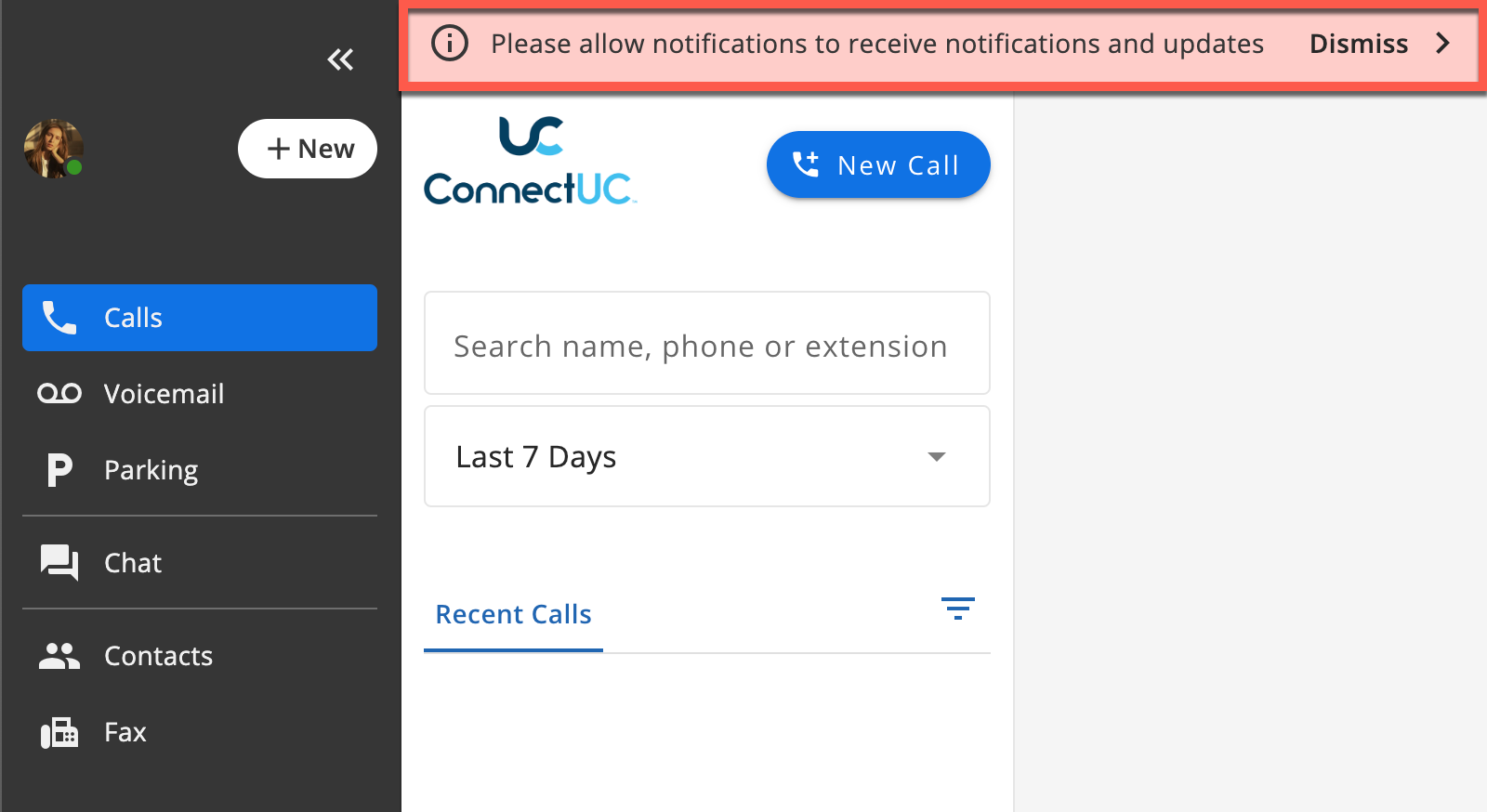
If you are unsure how to allow notifications for ConnectUC, please visit the following pages for browser-specific instructions.
If you still have trouble with notifications appearing properly, you may need to allow notifications at the Operating System level.
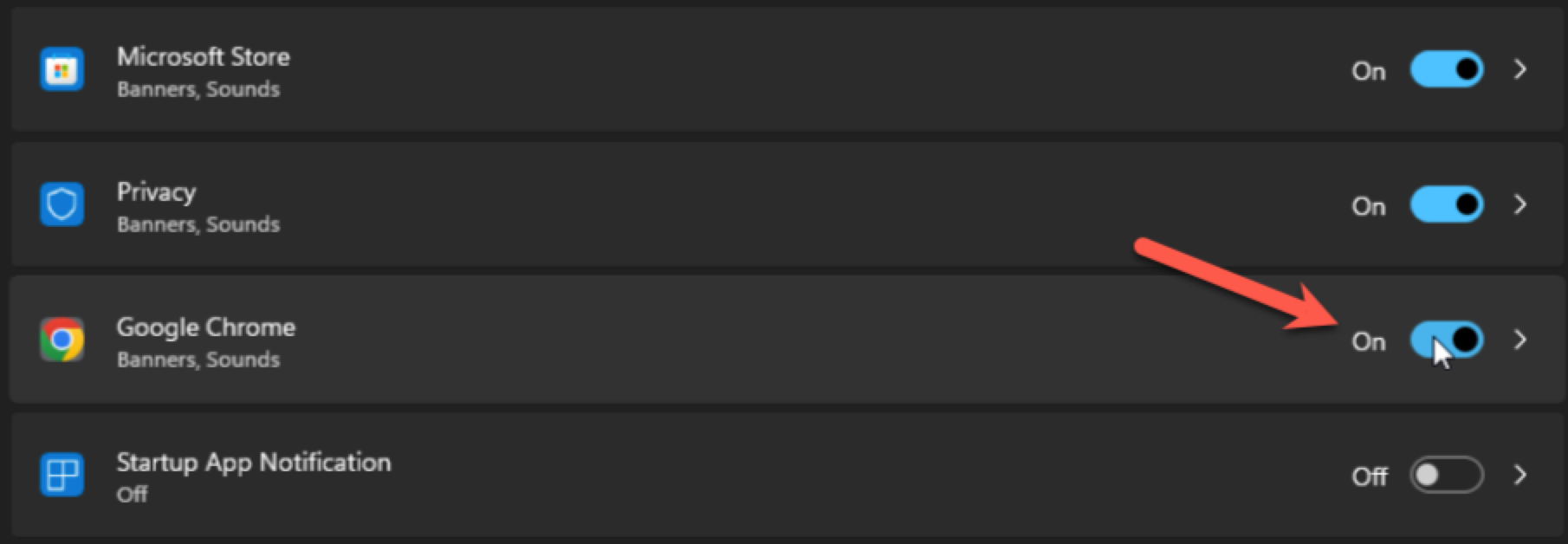
Please reference the following guides for managing notifications at the OS level.
The ConnectUC Desktop app has it's own operating system notifications, you may want to check it out if you are having issue with notifications in the Web app.